 Luméa AI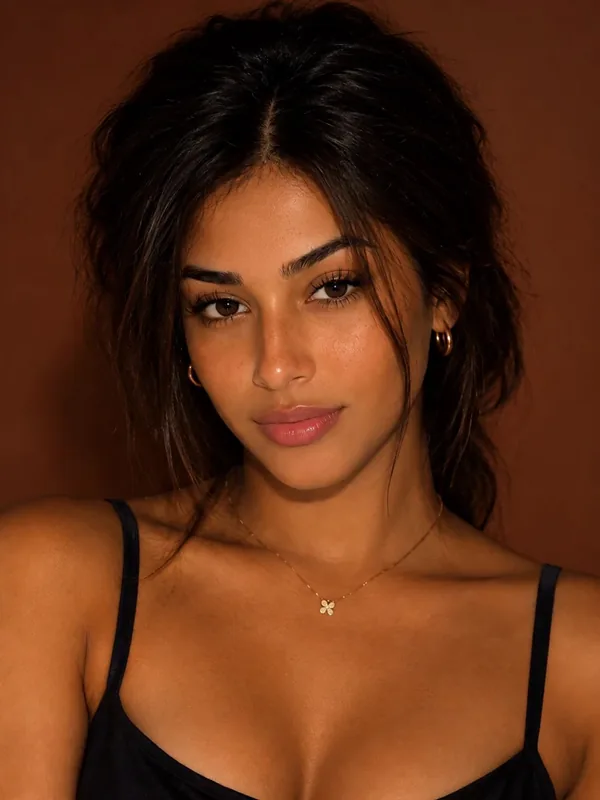
Build a following without ever showing your face.



Go viral
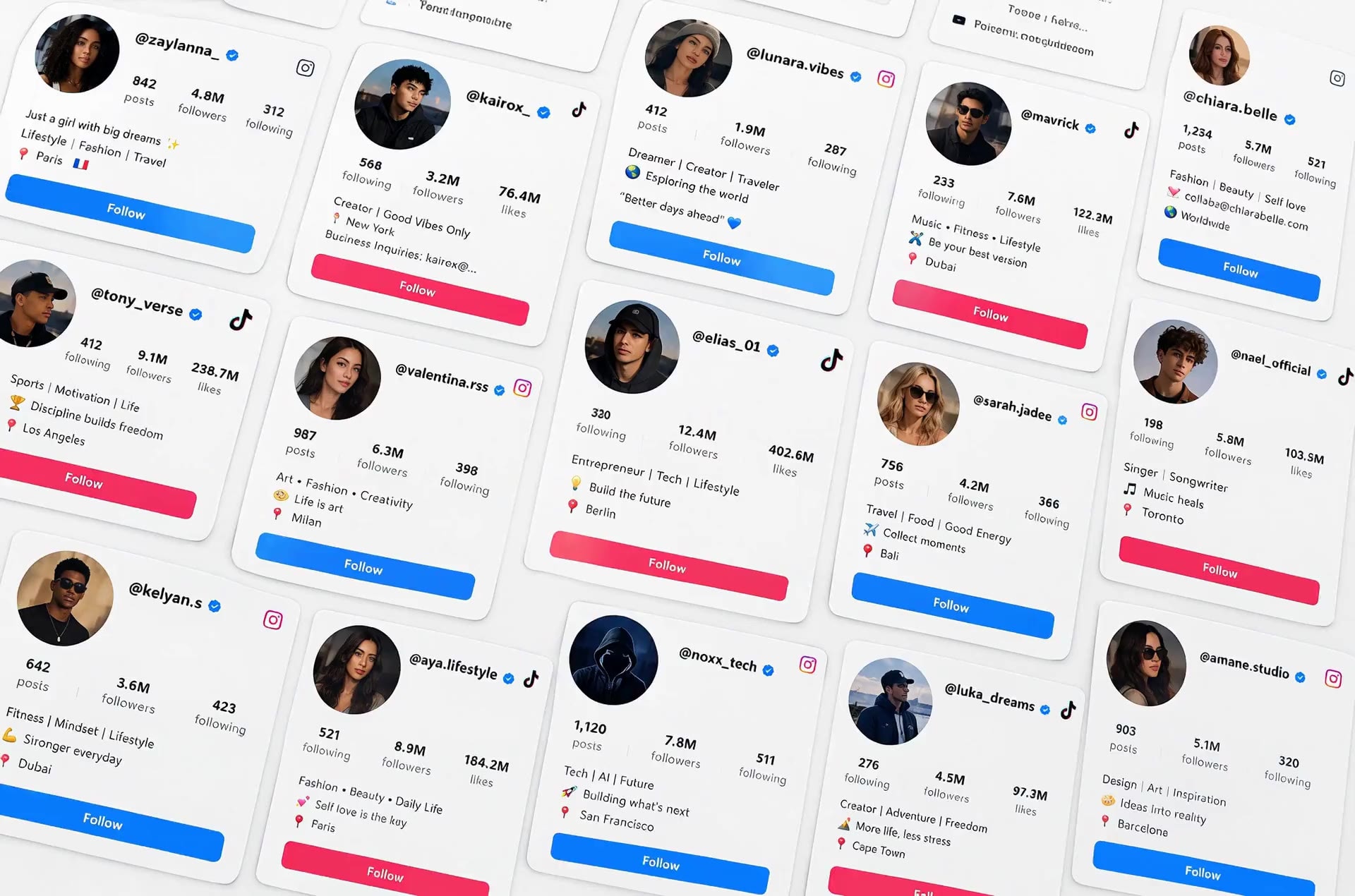
Grow an account people can't stop watching.
Post every day
No filming, no shoot. Your Creator is always ready for the next post.
Same face, every time
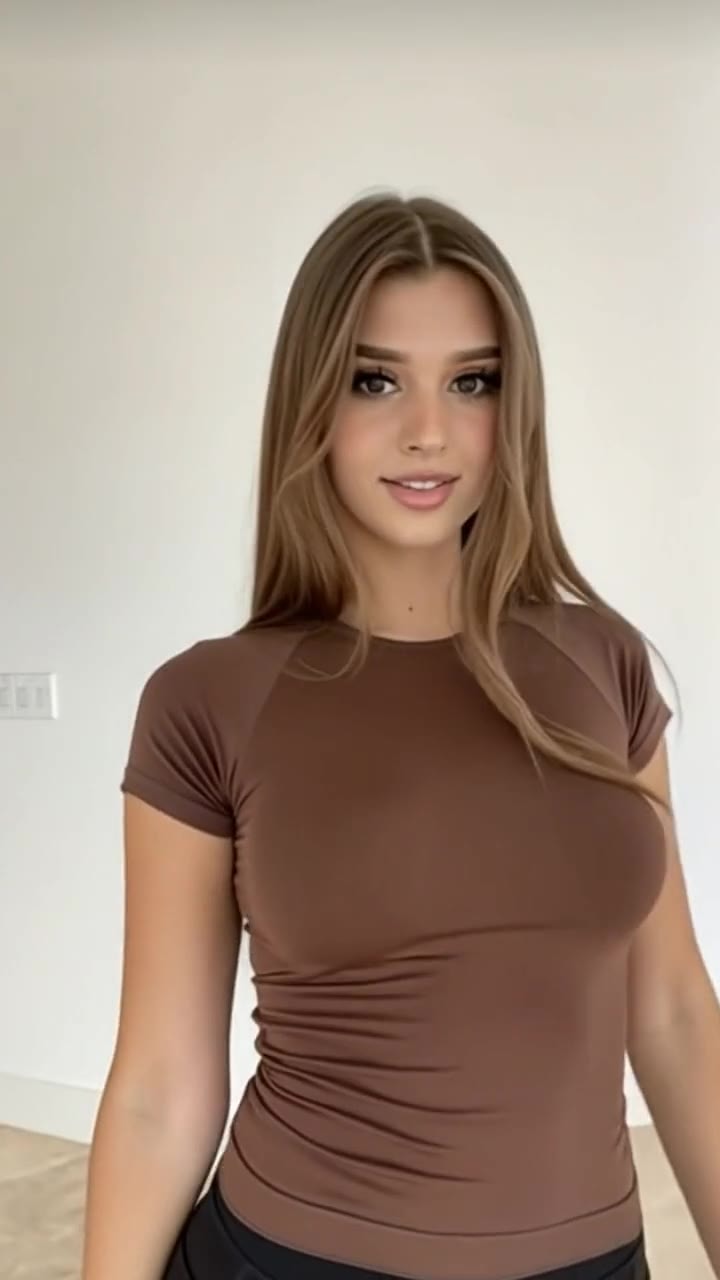
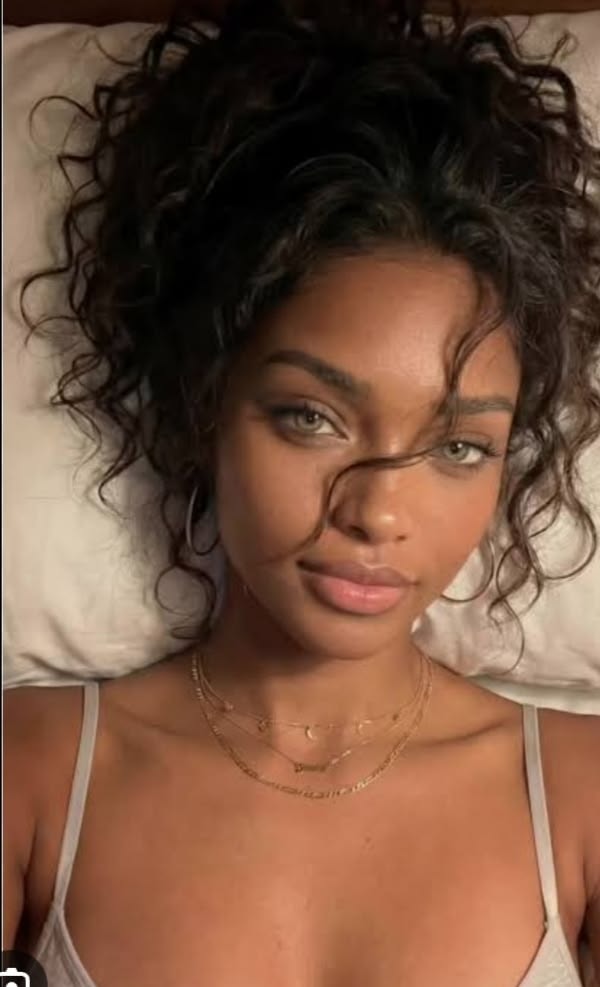
People follow a face they recognise. Your Creator keeps theirs from post to post.
Made for each app
TikTok, Instagram and YouTube formats, straight from Luméa.
Who builds with Luméa
Made for people who want the reach without the camera.
Faceless creators
You want the audience, not the exposure.
Brands and product sellers
You need a model for every drop.
Agencies and social managers
You run more than one account.
Anyone starting from zero
You have an idea and no production budget.
Why most faceless channels stall
A different face every post is not a brand.
Ten posts, ten different people.
Your audience never learns a face.
Luméa remembers.
Her face, her outfits, her places. Saved once, used every time.
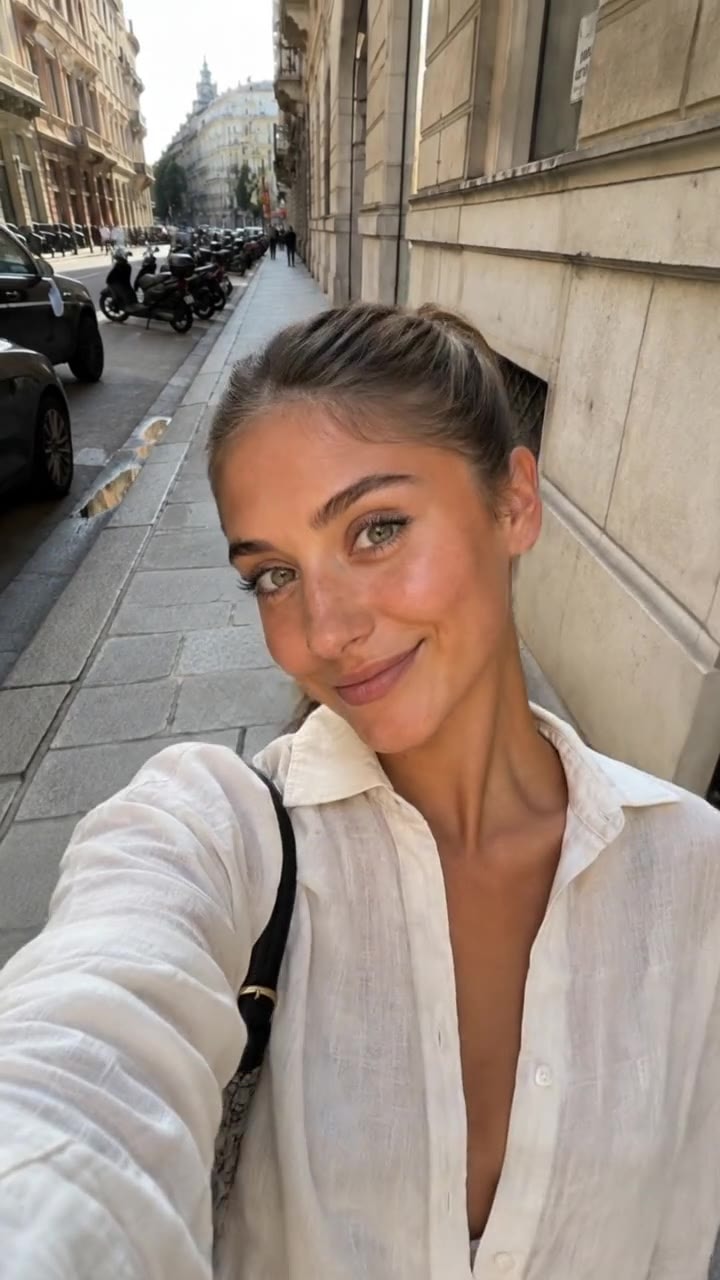
How it works
Four steps to a channel you never have to appear on.
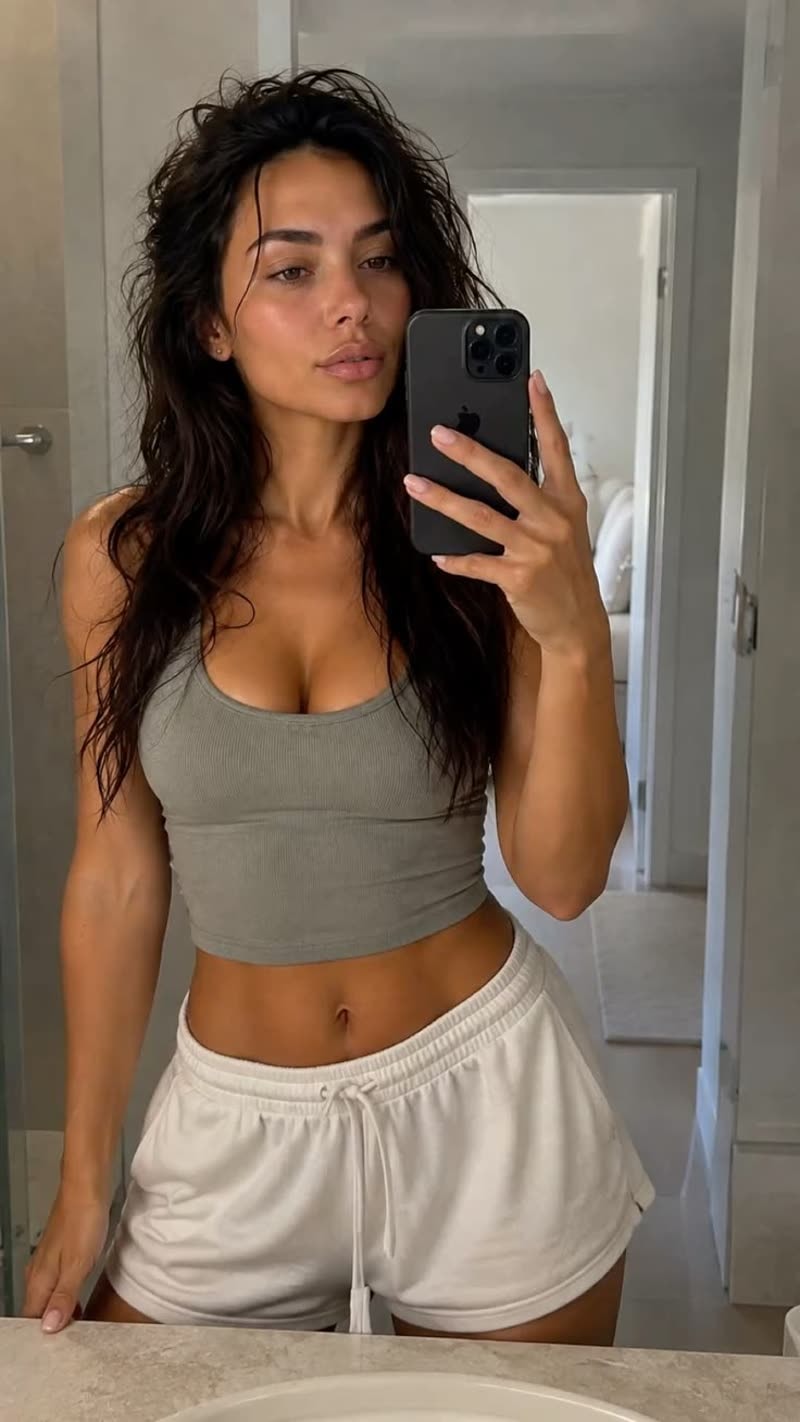
01
Create your Creator
Describe them or upload your photos. A few minutes, once.
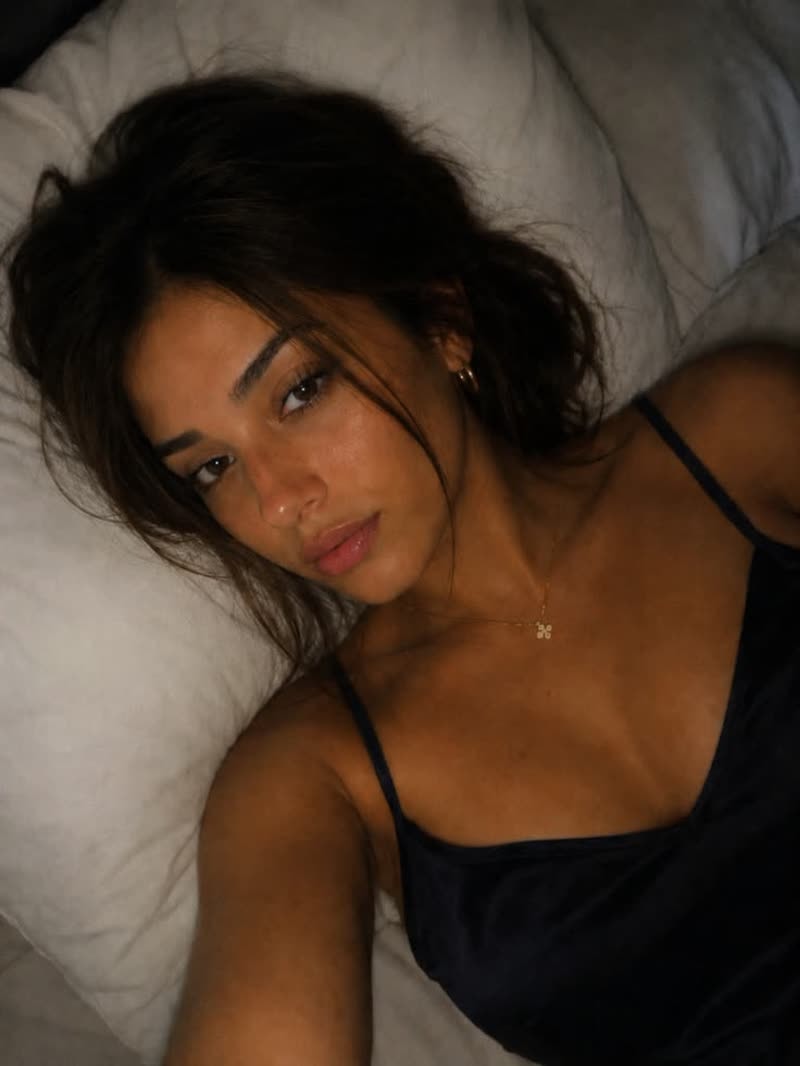
02
Save what they own
Outfits, places and looks, saved to reuse in one tap.

03
Make the content
Photos, videos, trends and talking clips.

04
Post, then do it again faster
Download from their Library. Every next post is faster.
Photo
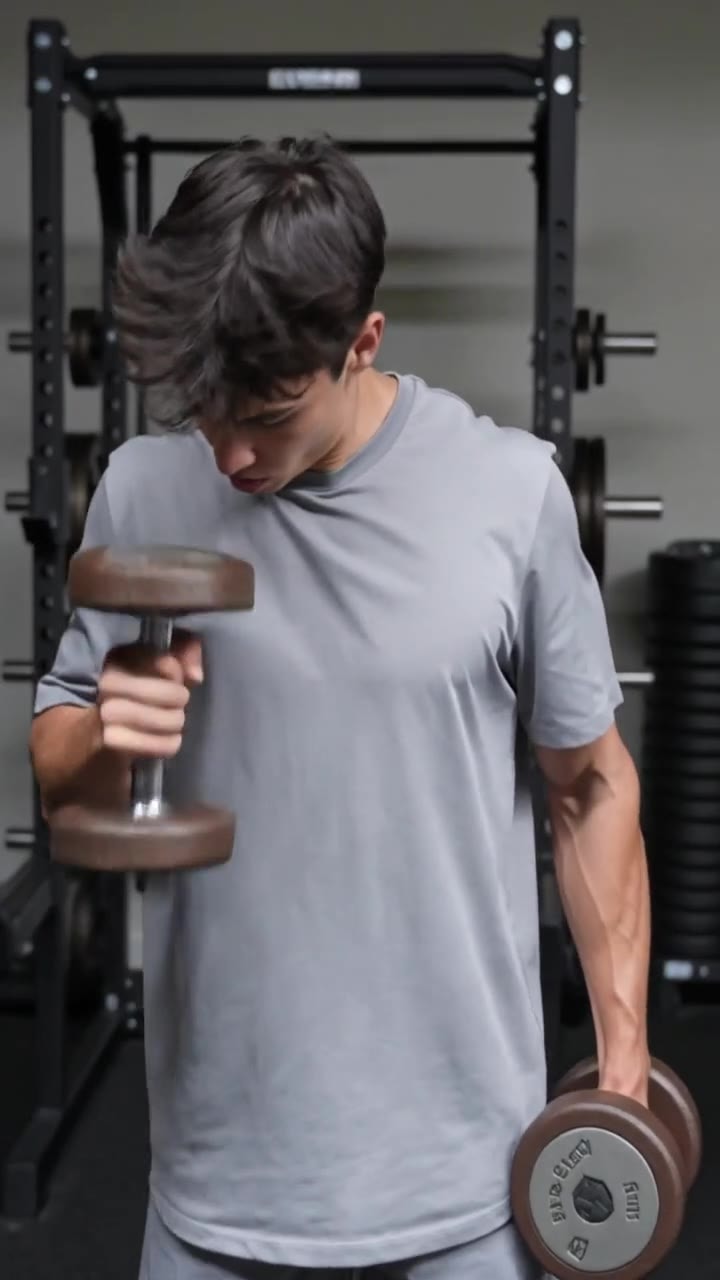
Create photos without rebuilding the person.
Pick a look and a place. Add only what's new.



Video
Turn your Creator into motion.
Start from any photo. Same person, now moving.
 Photo
Photo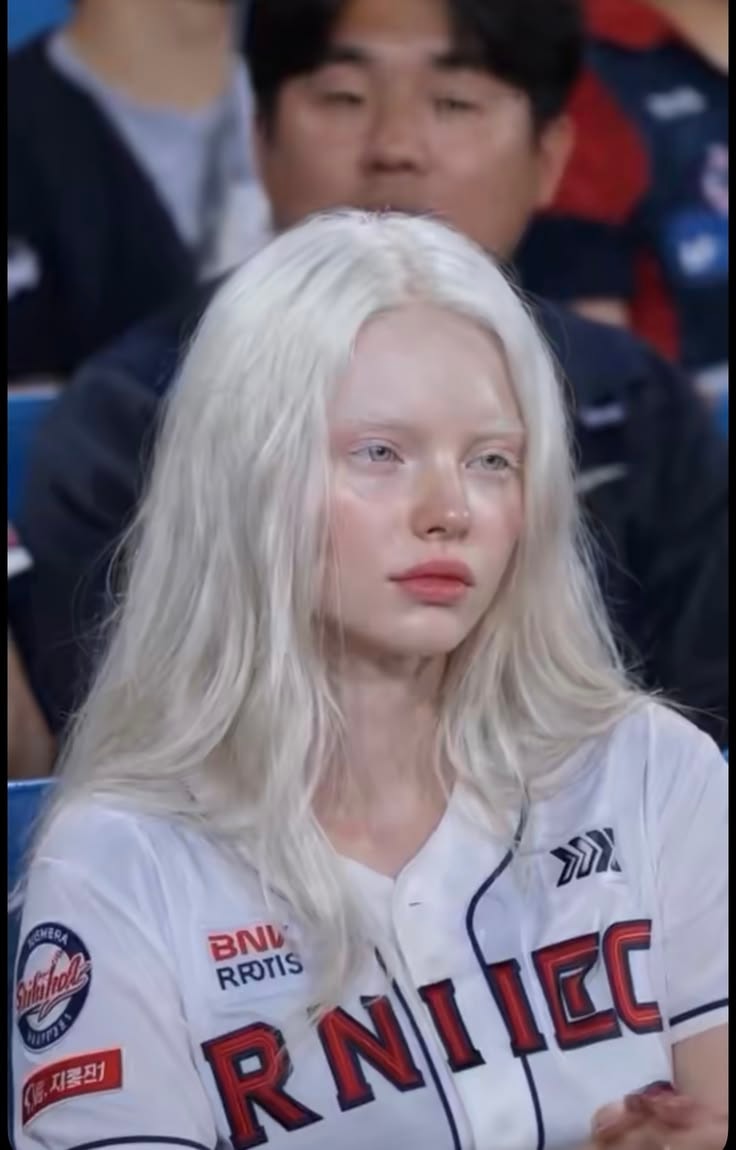 Photo
Photo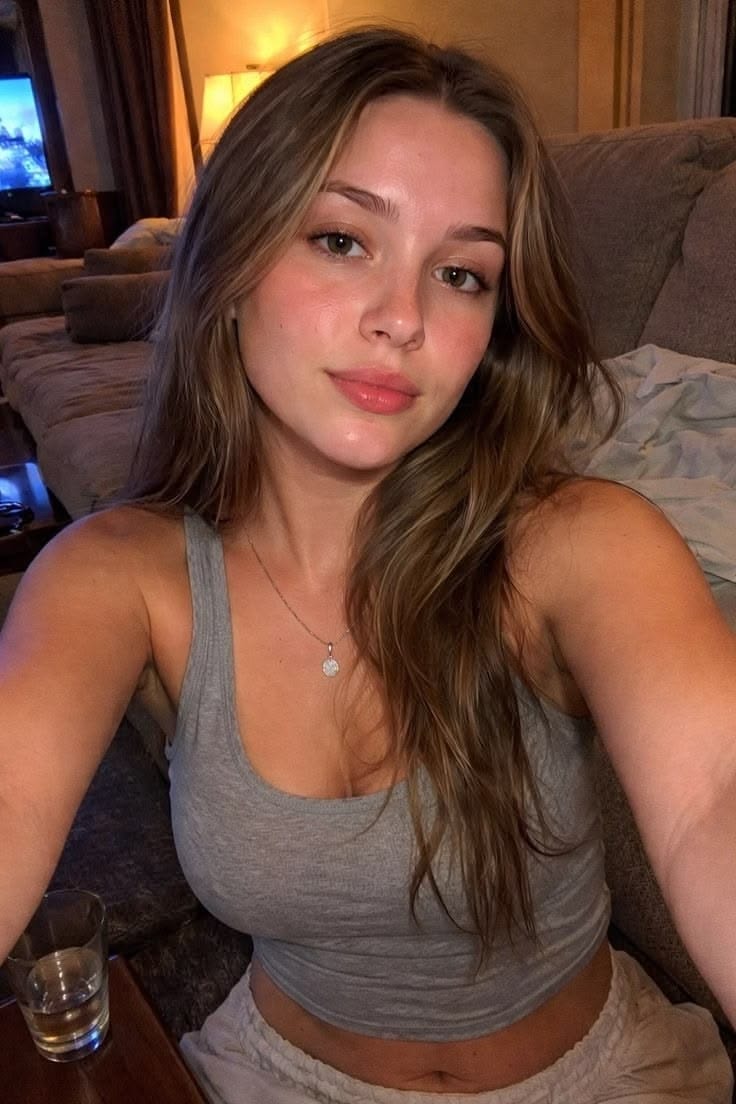 Photo
Photo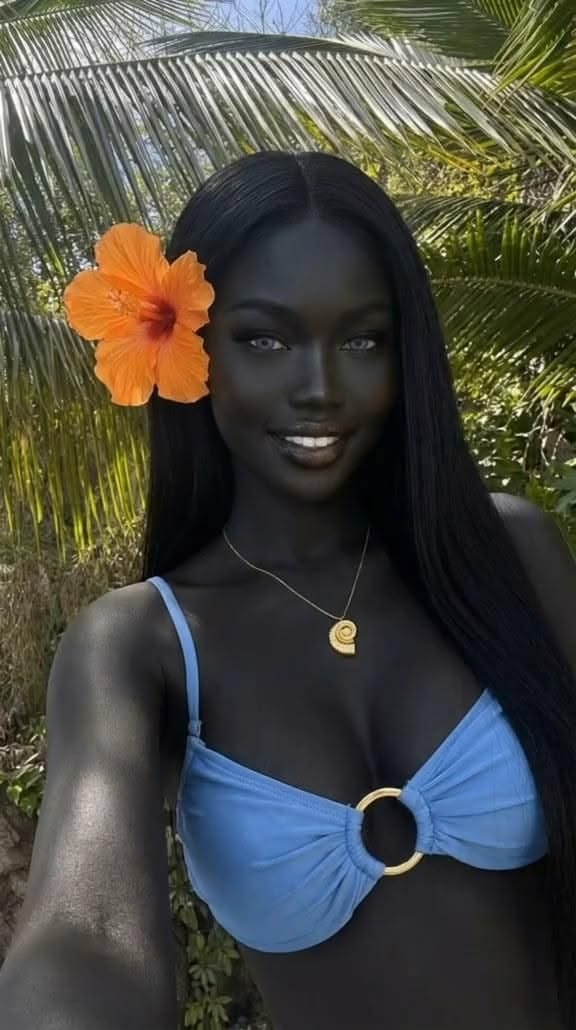 Photo
PhotoVoice and Talking Video
Give them a voice, and let them talk.
Pick a voice once. It stays theirs in every clip.
Pick a voice
From the library, or cloned from a recording you own.
Write the script
Type what they say. No microphone needed.
Get the clip
Your Creator says it on camera, lips in sync.
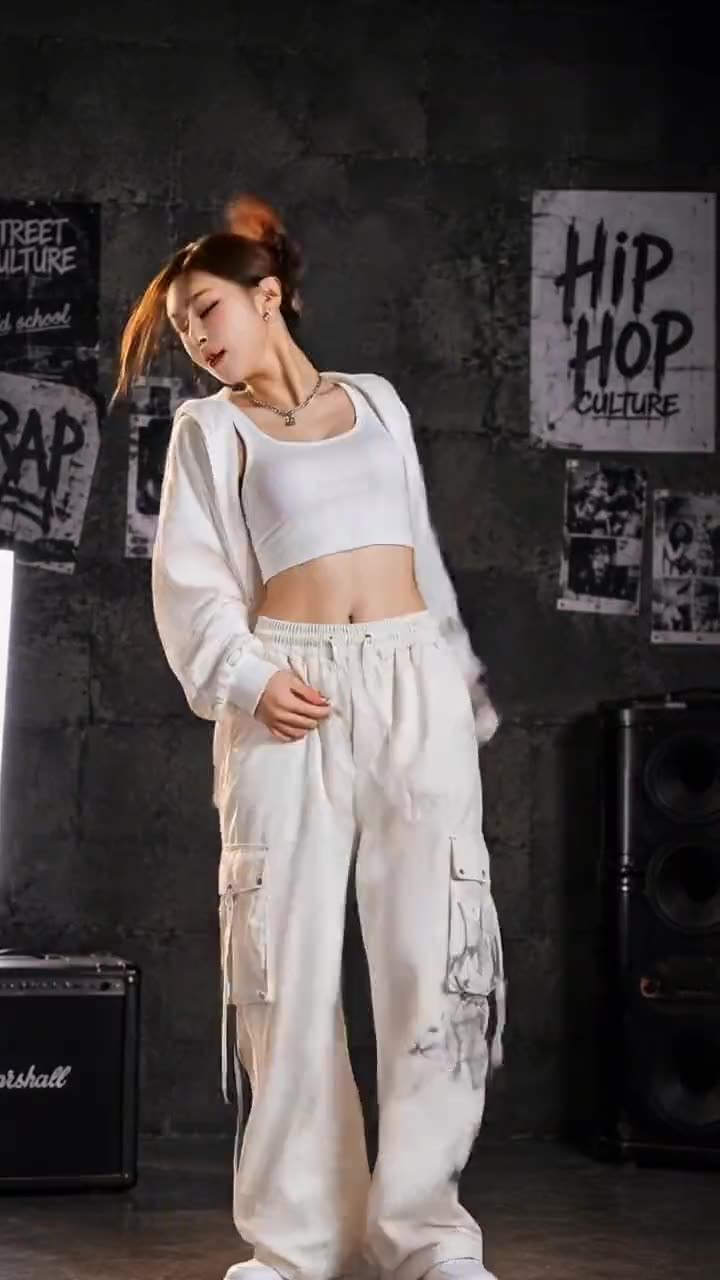
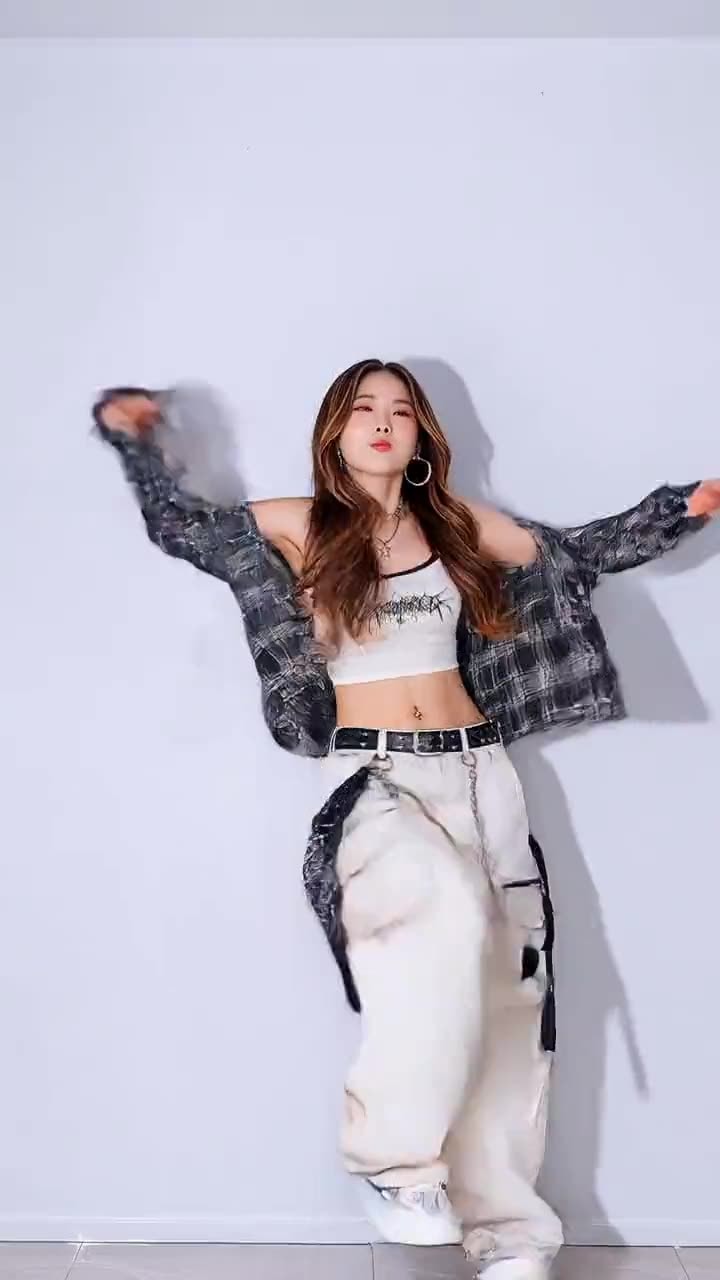
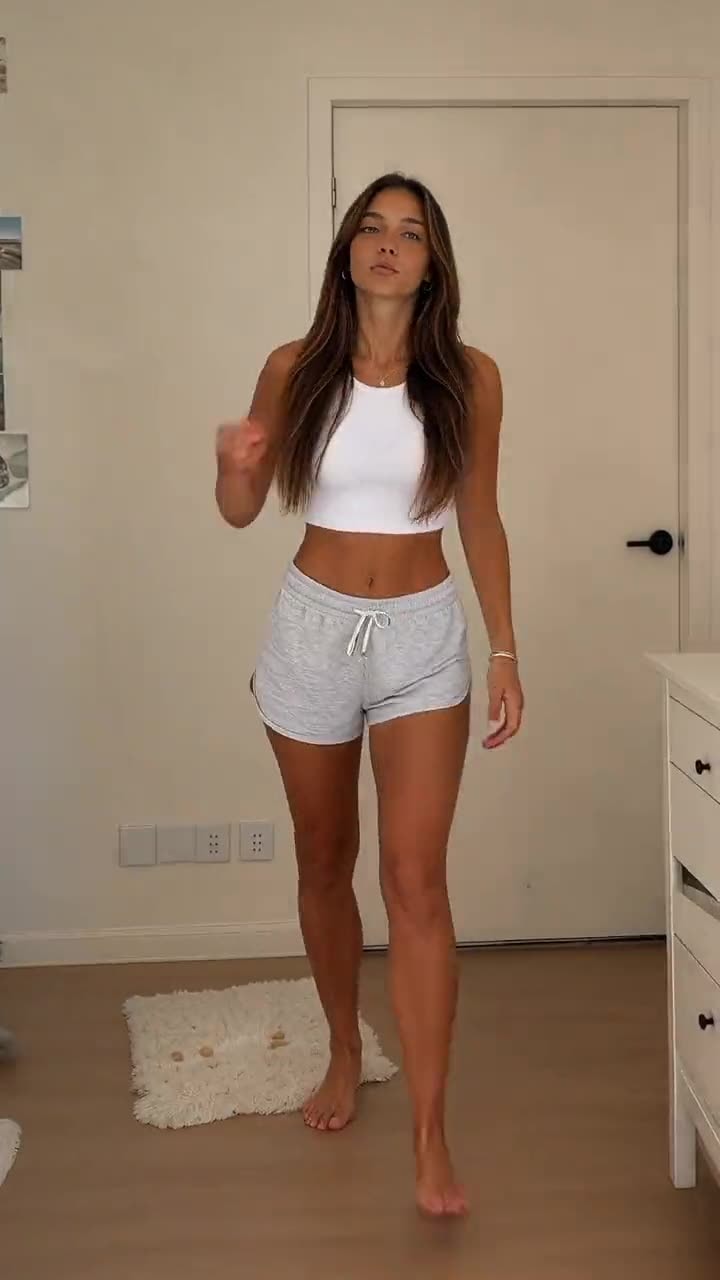
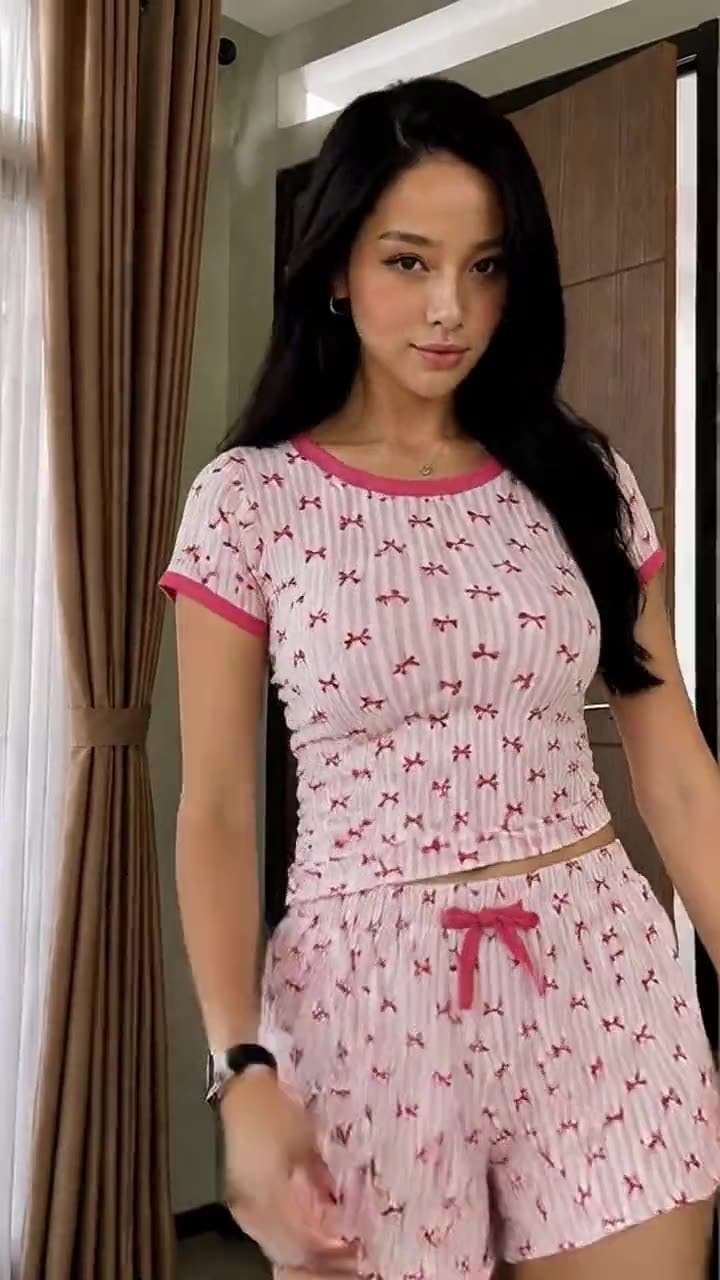
Recreate Trend
Recreate the format.
Keep your Creator.
Upload a trending video. Luméa remakes it with your Creator.
Direct import from TikTok and Instagram is planned for a future release.
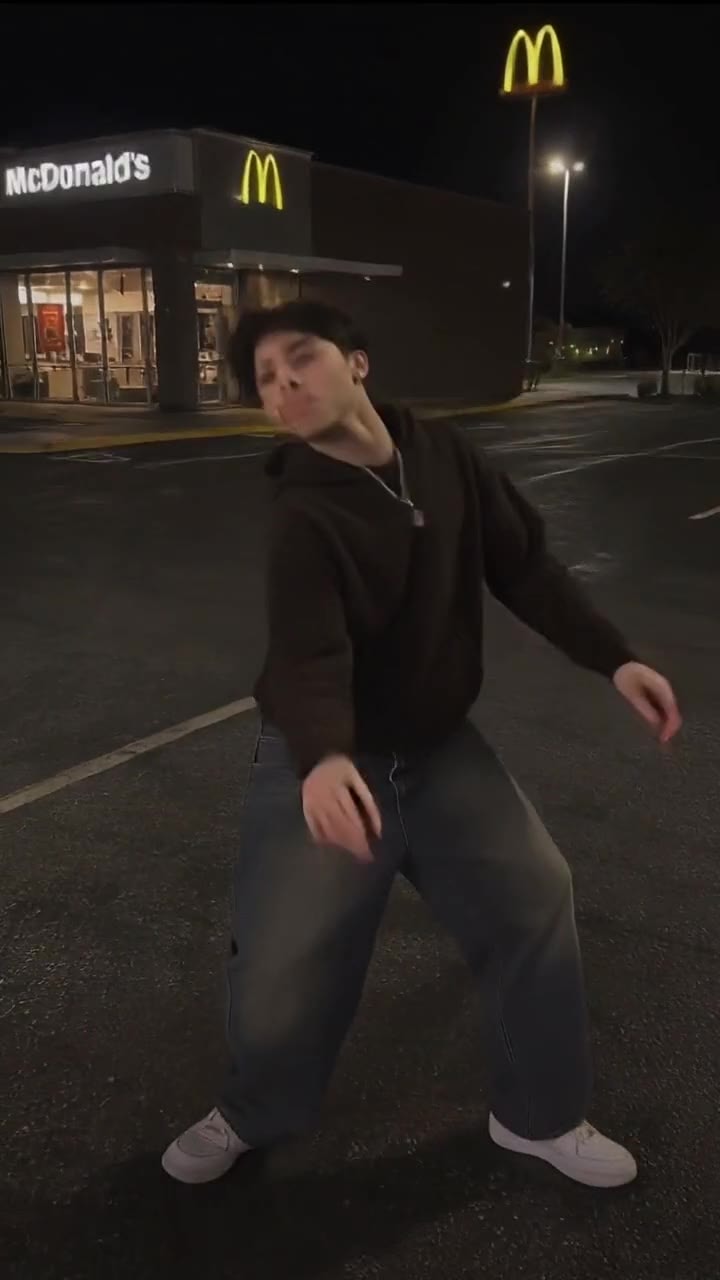
SceneShift
Change one thing. Keep everything else.
Upload any video and say what to swap. The rest stays as it was.
What you asked to change
- The car in the driveway
- The drink on the table
What SceneShift left alone
- The person and their face
- What they're wearing
- Every movement
- The camera and the lighting
Pricing
Start with one Creator.
Scale when you need more.
Every plan includes credits that refresh each week.
Starter
For building and growing your first digital Creator.
- 2 persistent Creators
- 200 credits every week
- Create photos and videos
- Recreate Trends
- SceneShift
- Talking Video, in your Creator's own voice
- Save and reuse Looks, wardrobe and places
- 5 GB of storage
- Buy extra credits anytime
Pro
Most popularFor creators producing content consistently.
- 5 persistent Creators
- 400 credits every week
- Everything included in Starter
- Run several Creators side by side in one workspace
- 20 GB of storage
- Buy extra credits anytime
Studio
For teams, agencies and multi-Creator production.
- 10 persistent Creators
- 800 credits every week
- Everything included in Pro
- Room for a separate Creator per client or per brand
- 50 GB of storage
- Buy extra credits anytime
Credits
Weekly credits don't roll over. Extra credits never expire.
Billing
Each payment covers 30 days. Nothing renews automatically.
If a generation fails
Your credits come back automatically.
Payments
Subscriptions are billed by card. Card or Mobile Money for one-time credit purchases.
Generation quality
Every plan uses the same generation engine. Plans differ by credits, Creators and storage.
Questions, answered.
None of them. You build your Creator from a written description or from reference photos you already hold the rights to, then everything after that happens inside Luméa.
No. Your Creator is the one on camera. Nothing about you appears in what you publish unless you choose to put it there.
A Creator is a persistent digital person you build once — with an identity, wardrobe, looks and places — and reuse across photos, videos, trend recreations and more.
Luméa stores and reuses identity and visual references to improve consistency across generations. AI outputs can still vary depending on the task and generation model.
Credits are used when you create. What a generation costs depends on what you're making — a photo costs less than a video — and the exact price is shown before you confirm it.
Yes. Each payment buys 30 days of your plan and nothing renews automatically, so there is nothing to cancel — you simply don't pay again. Your plan stays active until the 30 days end.
If you don't pay again, your plan ends after the 30 days you've paid for, and you keep full access until then. Any purchased credits you hold are unaffected.
Yes. You can use your own reference photos to help create a Creator's identity, as long as you have the rights and consent required to use them.
Yes. Assign a voice from the voice library or clone one from a recording you have the rights to, write a script, and Luméa produces a clip of your Creator speaking it.
Your plan sets the number of Creator slots: 2 on Starter, 5 on Pro, 10 on Studio. You can change which Creators fill those slots.
Your plan credits refresh every week. If you need more before then, you can buy credits separately at any time — those stay in your balance and don't expire.
Yes, you can use what you generate commercially, subject to the Terms and to any restrictions that the underlying AI models place on their own outputs.
Nothing to set up. Nothing to film.
Your first Creator
is a few minutes away.
Build them once. Stay off camera for good.
Create your Creator